
Pro features overview
Easy Invoice Pro is one plugin that adds about 20 modules to the free core. Activating Pro unlocks every module — there's no per-feature toggle on the website. Modules expose their settings under Easy Invoice → Settings as new tabs (PDF Options, Permalinks, Privacy & Access, Email Options, Pro Settings, Translations).
Payments
Pro gateways
Nine new gateways unlock when Pro is active:
- Stripe — cards, Apple Pay, Google Pay, Link.
- Square — US/CA/UK/AU/JP processing.
- Authorize.Net — US AIM + CIM.
- Mollie — SEPA, iDEAL, Bancontact, card.
- Paystack — Africa-first (NGN/GHS/ZAR/KES/USD): card, bank transfer, USSD, mobile money, QR. HMAC-SHA512-signed webhooks.
- Bank Transfer — display IBAN/SWIFT, mark paid manually.
- Cheque — show mailing address, mark paid on receipt.
- Cash — in-person, mark paid manually.
- Moneris — Canadian card processing.
Configure under Settings → Payment. See Payment gateways for full setup.
Partial payments
Let clients pay any amount toward an invoice. The remaining balance stays open and can be paid later via the same public link.
Set up under Settings → Partial Payments. See Payments → Partial payments.
Deposit invoices
Charge a deposit (e.g. 50% upfront) and bill the balance later. Multi-stage support (e.g. 30/40/30).
Set up under Settings → Deposit Invoices. See Payments → Deposit invoices.
Billing
Recurring invoices
Generate the next invoice on a schedule (daily / weekly / monthly / yearly). Cron-driven, with stop conditions (after N invoices or by date).
See Recurring & subscriptions for full setup.
Subscription invoices
Recurring with auto-charge — the gateway charges automatically each cycle. Trial periods, setup fees, and cycle limits all supported.
Set up under Settings → Subscription Invoices.
Productivity
Item Library
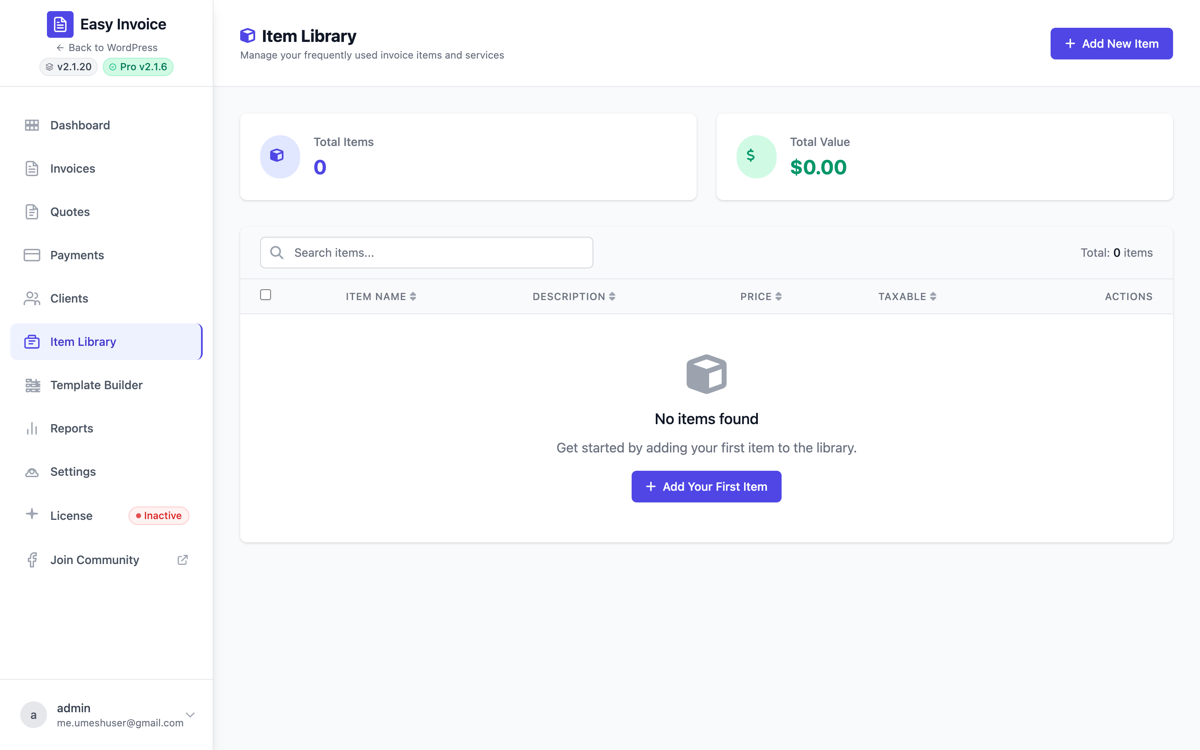
Saved line items with default price, tax, description. Recall on any invoice — type two characters and the line autocompletes.
Open Easy Invoice → Item Library to manage. Storage: WP options key easy_invoice_pro_saved_items.
What you can save per item: title, description, default unit price, default quantity, taxable flag, SKU/code (optional), and category tag. Useful for: hourly rates, fixed-price services, common products, hosting plans, retainers.
How clients see it: they don't — Item Library is admin-only and just speeds up your invoice creation.
Template Builder
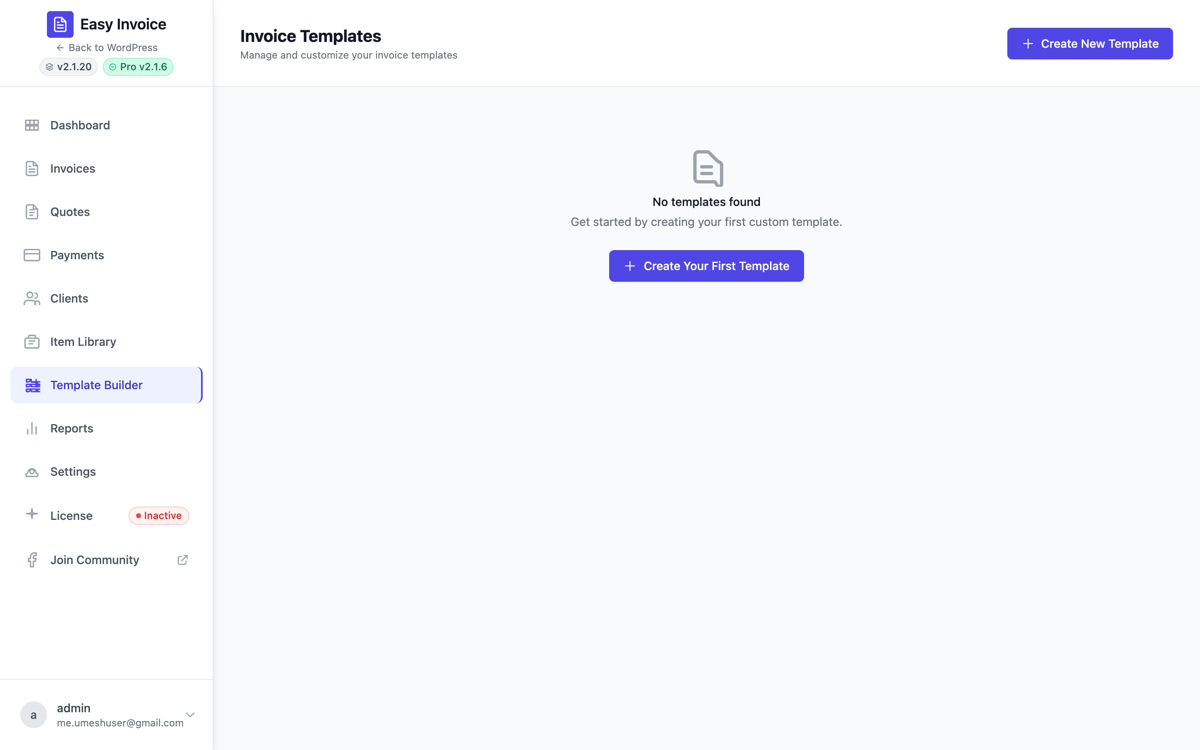
Drag-and-drop visual builder for custom invoice and quote PDFs. Each template is composed of elements you can rearrange:
- Company Logo · Company Info · Billing Info (client)
- Invoice Title / Quote Title · Invoice Number / Quote Number
- Invoice Date / Quote Date · Due Date / Expiry Date
- Items Table (with column toggles)
- Total Amount block
- Notes · Terms · Footer
- Text Block (arbitrary HTML) · Divider · Spacer
- Signature Field (printable signature line)
Per-template you can also set: accent colour, font family, row striping, watermark, and custom CSS.
Open Easy Invoice → Template Builder and click Create New Template. Once saved, the template appears in the Templates picker on every invoice / quote.
Duplicate invoices & quotes
A Duplicate button on every invoice / quote edit page. Clones every line, currency, client; status resets to draft. Useful for retainers and standardised projects.
Receipt generation
When a payment completes, Pro can generate a separate Receipt document (independent from the invoice PDF). Action easy_invoice_pro_receipt_generated fires for extension.
CSV export
Bulk export invoices, quotes, payments, or clients as CSV — handy for accounting tools or migrating to a new system. Easy Invoice → All Invoices → Export.
Bulk Send Email
Adds a Send Email option to the Bulk Actions dropdown on both the Invoice and Quote listing pages. Tick the rows you want, pick Send Email, click Apply — Pro dispatches the configured Invoice / Quote Available email to every selected document's client through EmailManager, then surfaces a per-row success / failure report. Pairs naturally with the Filter by client dropdown introduced in Easy Invoice 2.1.22.
Extension hook: do_action('easy_invoice_pro_after_bulk_send_email', $type, $ids, $report).
Bulk Export Selected
Adds an Export Selected option to the Bulk Actions dropdown on both listings. Tick rows, choose Export Selected, click Apply — after a confirm prompt Pro streams a UTF-8 CSV (with BOM for Excel) of just the selected rows to your browser as easy-invoice-{invoices|quotes}-YYYY-MM-DD.csv. No filter form to set up first.
When Easy Invoice (Free) is present without Pro active, the option still shows as "Export Selected (Pro)" and picking it opens the Upgrade-to-Pro dialog — discoverable for every user, gated behind the license.
Endpoint: admin-post.php?action=easy_invoice_pro_bulk_export · capability: manage_options · nonce: easy_invoice_pro_bulk_export.
Extension hook: do_action('easy_invoice_pro_after_bulk_export', $type, $ids).
Tax
Additional tax
Stack multiple tax rates — useful for "GST + State Tax", "VAT + service charge", or multi-jurisdiction work.
Set up under Settings → Tax → Additional tax (visible only with Pro active).
URLs
Custom permalinks
Replace /invoice/<slug> with your own structure (e.g. /billing/<slug>). And secure mode hashes the slug so that random visitors can't brute-force invoice IDs.
Set up under Settings → Permalinks.
Documents
PDF Enhancements
Adds:
- Watermark text (e.g. PAID / DRAFT / CONFIDENTIAL).
- Per-template PDF options.
- Header / footer alignment.
- Custom font selection.
Set up under Settings → PDF Options.
Email Enhancements
Adds:
- Per-template reply-to email.
- Brand-colour controls (header / button / accent).
- Invoice PDF as attachment.
- Partial payment receipt template.
- Recurring invoice notice template.
- Deposit invoice notice template.
- Full payment-reminder cadence (before / on / after due).
Set up under Settings → Email Options.
Client portal
Hosted portal
Self-service area where clients log in, see every invoice and quote, and download PDFs. Uses three shortcodes ([easy_invoice_login], [easy_invoice_profile], [easy_invoice_client_login]) you place on regular WP pages.
See Clients & portal.
Magic-link login
Tokenised login URL — append ?client_token=xxx and the client is auto-logged in (single-use, expires).
Security & privacy
Privacy & Access
Adds:
- Login required to view invoice URLs.
- Token-based access (hash-protected slugs).
- GDPR exporter — exports a client's invoices/quotes/payments via WordPress's Tools → Export Personal Data.
- PDF download gating —
easy_invoice_can_download_pdffilter for fine-grained control.
Set up under Settings → Privacy & Access.
Branding & i18n
Translations
Pro Translations submenu lets you customise every UI label (button text, status labels, table headers) without editing PHP. Strings flow into the standard WP translation pipeline.
Open Easy Invoice → Pro Settings → Translations.
White label
PDF and email templates support custom logos, accent colours, and footer text. Combined with Email Enhancements, you can fully white-label outbound documents.
License & updates
License manager
Activate / deactivate / check license status. Pro updates only show up when license is active.
Open Easy Invoice → License. Daily license check via cron (easy_invoice_pro_daily_license_check).
Plan tiers
Easy Invoice Pro is sold in three tiers. Higher tiers add features on top of everything in the lower tier — they're not flat parity. Tiers also differ on license seats and support priority.
| Plan | Sites | Adds on top of the previous tier | Support |
|---|---|---|---|
| Personal | 1 | 12 included addons (Recurring Invoices, Partial Payments & Deposits, Client Portal, PDF Toolkit, Bulk Email & Export, Item Library, Custom Templates, Additional Tax Lines, Email Enhancements, Privacy & GDPR, Reports & Analytics, Secure Links). | Standard |
| Professional | 5 | Time Tracking & Project Billing · Expense Tracking & Reimbursables · Smart Reminders & Late Fees. | Priority |
| Agency | Unlimited | White-Label & Brand Override · Team Roles & Audit Log · Webhooks & Zapier Bridge · Accounting Sync (QuickBooks / Xero / FreshBooks). | Priority + onboarding |
Each tier is available as a yearly subscription (first year discounted) or a one-time Lifetime purchase. See the pricing page for current numbers.
EDD checkout price IDs (for vendor / partner / debugging reference):
| price_id | Variant | Plan tier |
|---|---|---|
1 | Personal yearly | Personal |
2 | Professional yearly | Professional |
3 | Agency yearly | Agency |
4 | Personal Lifetime | Personal |
5 | Unlimited Lifetime (discontinued — legacy customers only) | Personal |
6 | Professional Lifetime | Professional |
7 | Agency Lifetime | Agency |
Tier gating is enforced at runtime by
\EasyInvoice\Addons\LicensePlanResolver::planSatisfies()(in the Free plugin). The yearly variant and the Lifetime variant of the same tier unlock the same feature set — Lifetime just removes the renewal.
Where to go next
- 📋 All Pro features — flat catalog of every Pro feature.
- 💳 Payment gateways — gateway-specific setup.
- 🔁 Recurring & subscriptions — schedule billing.
- ✉️ Email & notifications — Email Enhancements.