
Custom Invoice & Quote Templates
The default invoice template is a starting point, not a constraint. Build your own templates with the visual editor — drag in your logo, company info, item tables, totals, signatures, and footers. Save multiple templates per business and assign different layouts per client or project, so every PDF matches its audience.
When to use it
- The default invoice layout almost works but you want one specific tweak
- You serve multiple client types (B2B vs B2C, agency clients vs end customers) and want a different look for each
- You've outgrown CSS tweaks and want a real visual layout tool
- You need to match a client's required invoice format (some procurement systems are strict)
Enabling
- Open Easy Invoice → Addons
- Find Custom Invoice & Quote Templates
- Click Activate
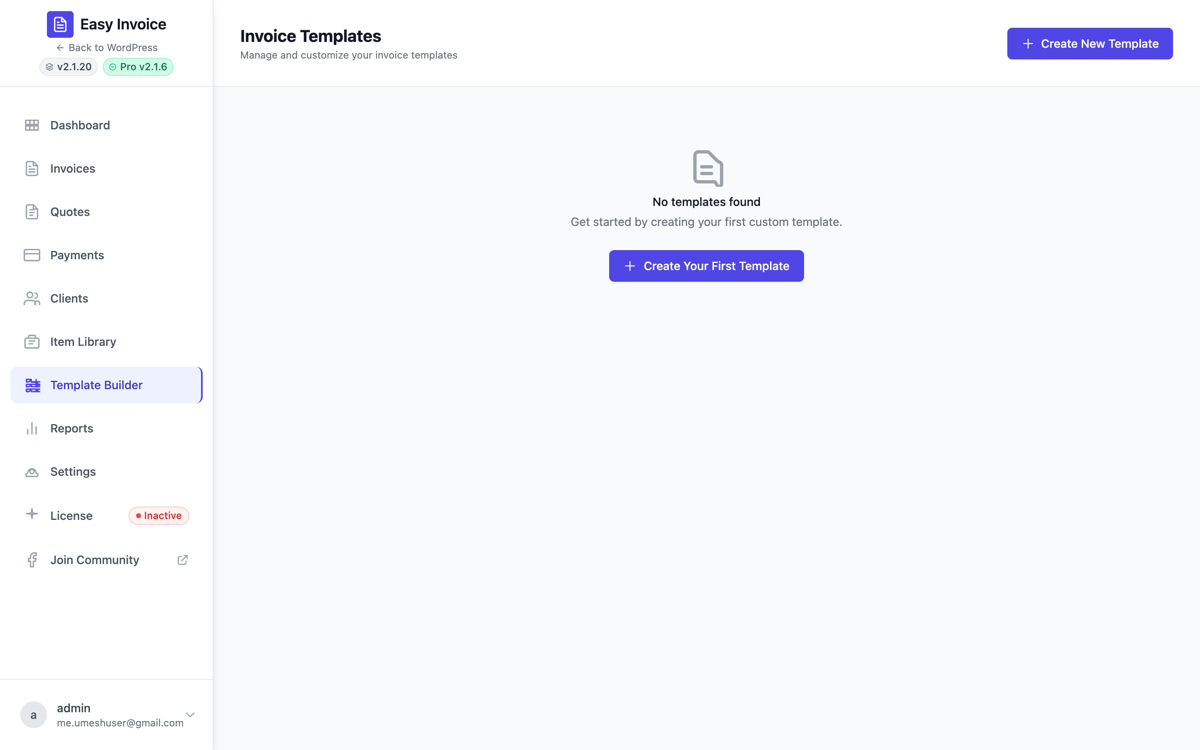
A new Template Builder entry appears in the Easy Invoice in-app sidebar.
The template builder
The builder canvas works like a visual page editor:
- Drag elements from the left palette: company logo, company info block, invoice title, invoice number, dates, line items table, totals, terms, signatures, footers, custom text blocks
- Configure each element in the right panel: alignment, font, color, padding, visibility per-document-type
- Live preview updates as you edit
- Save & assign — each template is saved and can be assigned as default OR per-client
Multiple templates
You can save as many templates as you want. Each template can be:
- Default for invoices — used for new invoices unless overridden
- Default for quotes — used for new quotes unless overridden
- Assigned per client — override the default for a specific client (right on the client profile)
- Assigned per document — override for one specific invoice/quote (right on the document builder)
This lets you have, for example, a polished agency-style template for enterprise clients and a friendlier one for small-business clients.
Element catalog
The template builder ships with these elements (each is a building block in the palette):
| Element | What it renders |
|---|---|
| Company Logo | Your business logo, sized and aligned |
| Company Info | Address, contact, tax IDs |
| Invoice / Quote Title | "INVOICE" or "QUOTE" with custom styling |
| Invoice / Quote Number | The document number with prefix |
| Invoice / Quote Date | Issue date |
| Due Date / Expiry Date | Due / expiry with formatting |
| Items Table | Line items with description, qty, rate, total |
| Total Amount | Subtotal, tax, total with custom labels |
| Text Block | Free-form text (terms, notes, payment instructions) |
| Notes / Terms | Pulls from the document's notes field |
| Signature Field | Signature line for accept-on-print workflows |
| Divider | Horizontal rule |
| Spacer | Vertical whitespace |
| Footer | Bottom-of-page text |
Every element has alignment, font, color, and padding controls.
How it interacts with the PDF Toolkit
The PDF Toolkit addon handles watermarks, headers, footers, and document-wide styling — things that apply across every template. The Custom Templates addon handles the layout — what goes where on the page.
You'll often use both: the template builder for the layout, the PDF toolkit for the global PAID/DRAFT stamp and brand color.
Saved templates
Saved templates live in the option easy_invoice_pro_templates. The migration that runs on Pro upgrade detects whether you've saved templates and auto-enables this addon if so — you don't lose access to your existing custom layouts.
See also
- PDF Toolkit — for watermarks and document-wide styling
- Item Library — manages the line items that render through the Items Table element